
What is Grayscale Image Converter?
Grayscale Image Converter is a free, browser-based tool that instantly turns your JPEG images into grayscale—no downloads or sign-ups needed. Your files stay private and secure.
Simply drag and drop your JPEG to see its grayscale version appear instantly. Choose from standard conversion methods or create your own custom grayscale style. You can even decide how many shades to include in the output palette—from 1 to 256.
Grayscaled Image
Tool Options
JPEG Grayscale Method
Custom Grayscale Method
Color Reduction
Minimum: 1
Maximum: 256
JPG to Grayscale Converter ExamplesClick to try!
JPG to Grayscale via the BT-709 Method
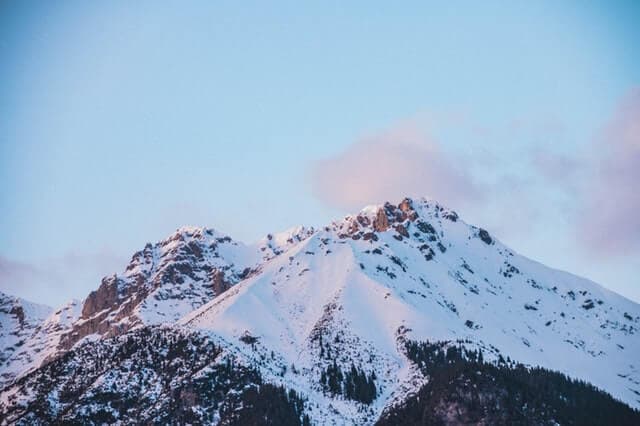
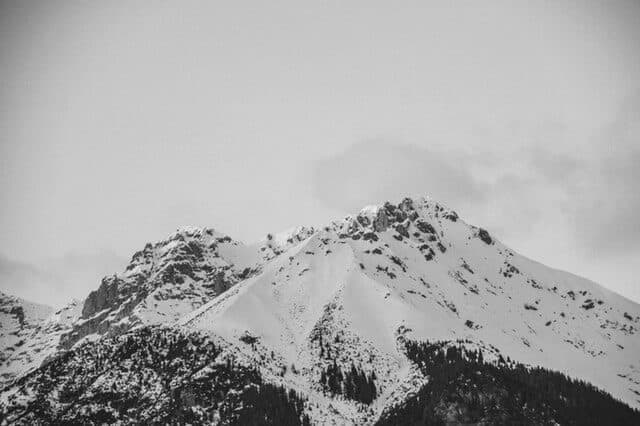
This example converts a JPEG photo of hills to grayscale colors, using the same grayscale algorithm that's employed in HDTV broadcasts. The ITU-R BT-709 formula gives significant priority to the green channel over other channels as the eye is most sensitive to the green color. (Source: Pexels.)
Required options
These options will be used automatically if you select this example.
Apply custom weights tored, green and blue.
{formula}
Reduce the number of gray colors in the output JPG.
Grayscale JPEG That Uses Custom Weights
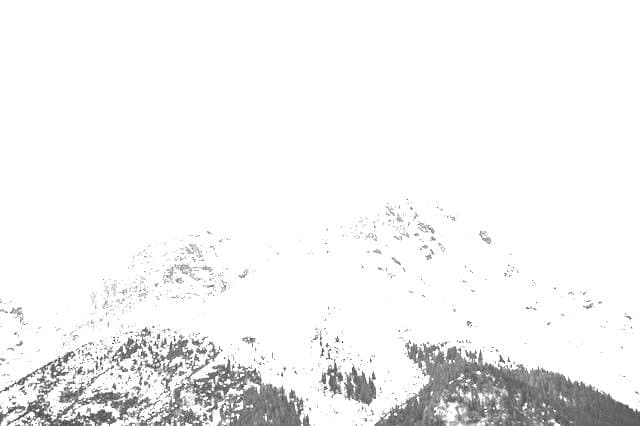
This example removes all colors from a JPG picture of snowy mountains by applying custom weights to red, green, and blue (RGB) color channels during the conversion process. It extracts RGB colors in equal parts by assigning a coefficient of 1 to each component. The formula takes the form: 1×Red + 1×Green + 1×Blue after which the value is truncated to the maximum value of 255. (Source: Pexels.)
Required options
These options will be used automatically if you select this example.
Apply custom weights tored, green and blue.
{formula}
Reduce the number of gray colors in the output JPG.
Strawberries in Limited Grayscale
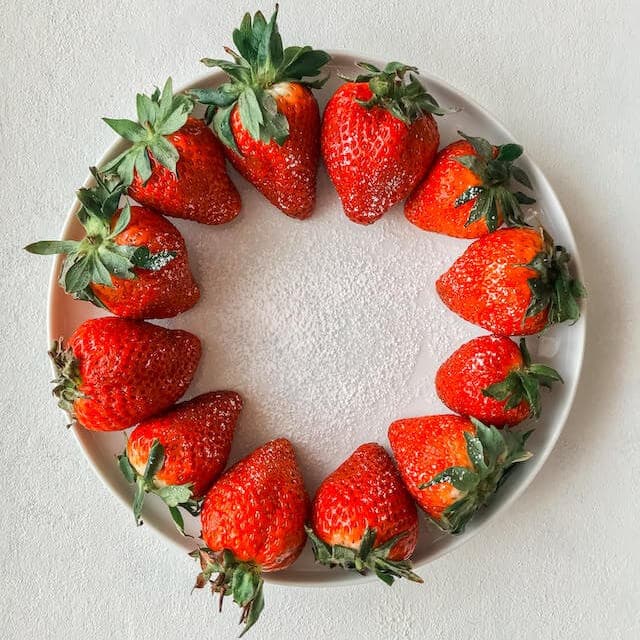
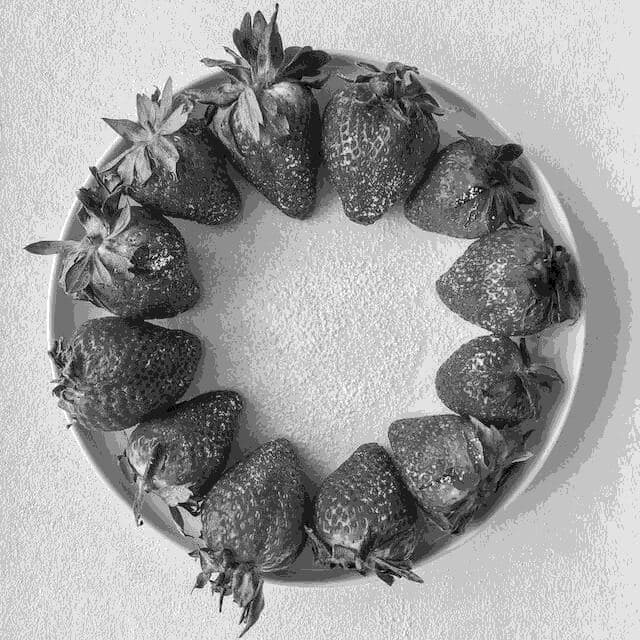
In this example, we transform a full-color image of ripe strawberries arranged in a circular pattern on a plate into grayscale tones. The reduction is achieved by using the BT-601 color transformation standard. Furthermore, we have activated the option to limit the grayscale color palette of the JPG. We have set the color count to 10, which means that the resulting JPG only has ten distinguishable gray colors. (Source: Pexels.)
Required options
These options will be used automatically if you select this example.
Apply custom weights tored, green and blue.
{formula}
Reduce the number of gray colors in the output JPG.
Minimum: 1
Maximum: 256
Cityscape in Minimalist Monochrome
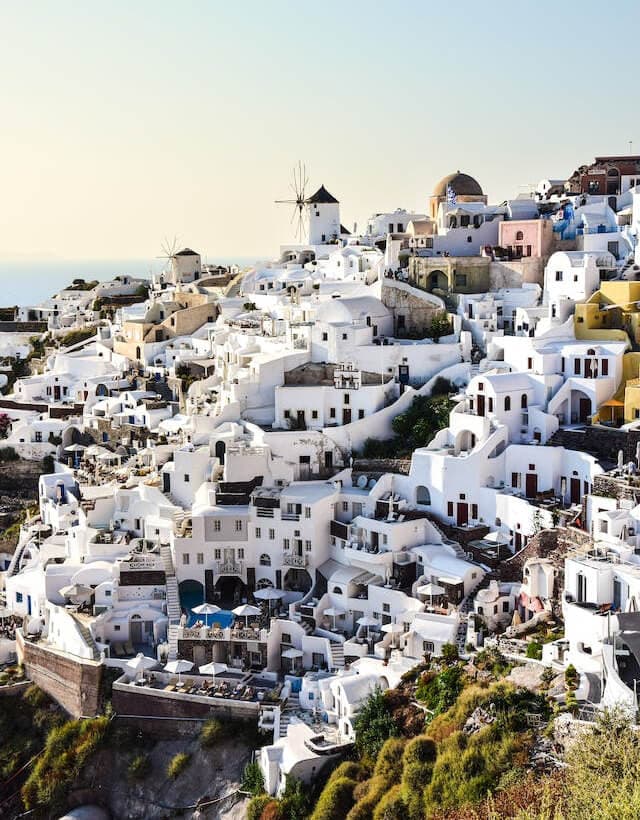
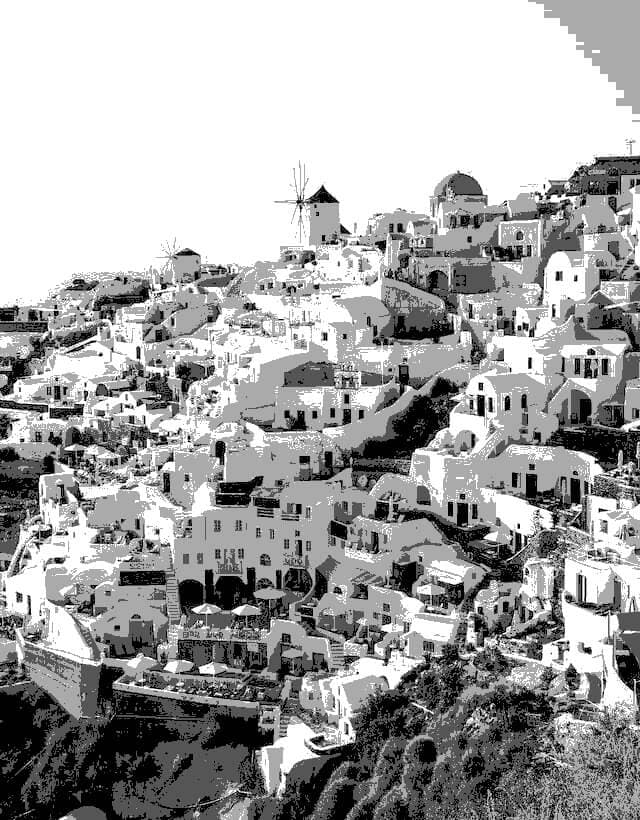
This example converts a JPG photo into grayscale tones using an exceptionally small number of colors. It redraws an entire city built on a hillside, utilizing only four shades of gray. Despite this severely restricted palette, the program still successfully captures all the details of the city streets and houses. It's an effective demonstration of how a limited color palette can still capture spatial depth and texture. (Source: Pexels.)
Required options
These options will be used automatically if you select this example.
Apply custom weights tored, green and blue.
{formula}
Reduce the number of gray colors in the output JPG.
Minimum: 1
Maximum: 256
Use Only the Red Channel
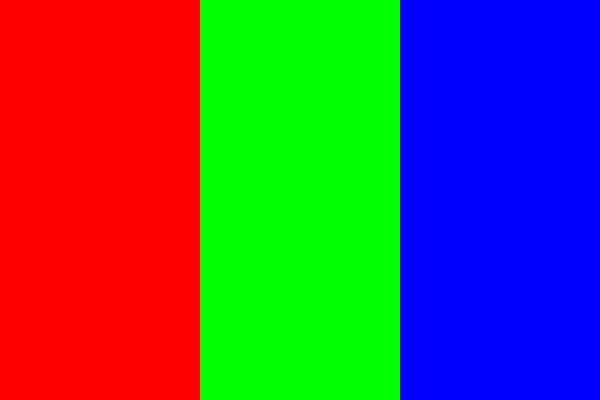
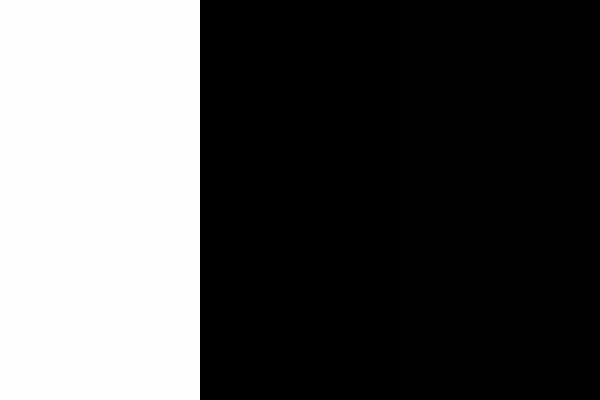
This example enables a custom conversion method and sets the red color intensity to one while disregarding the green and blue colors by setting their intensities to zero. Consequently, only the red color component influences the pixel color in the output JPEG. As you can see, the resulting JPEG has a full light intensity in the red section, which can be seen as bright white pixels, while the green and blue portions have no intensity and have black pixels. This conversion method illustrates how digital images are composed of color channels and how manipulating these channels can dramatically alter the appearance of the image.
Required options
These options will be used automatically if you select this example.
Apply custom weights tored, green and blue.
{formula}
Reduce the number of gray colors in the output JPG.
How you can Grayscale Image Converter Online?
You can Grayscale Image online in just a few simple steps using our browser-based tool.
Upload or drag
Upload or drag and drop your image into the input box to start the invert colors online process.
Click the ‘GRAYSCALE IMAGE’
Click the GRAYSCALE IMAGE button to instantly grayscale image colors. The conversion happens directly in your browser.
Preview the inverted
Preview the grayscale image to make sure the image matches your expectations.
Click the ‘DOWNLOAD IMAGE’
Click the DOWNLOAD IMAGE button to save the image to your device.
Features of Our Grayscale Image Converte Online Tool
Make grayscale image
Convert any image to clean grayscale in your browser with quick, smooth processing—just drop your file in and hit the grayscale button to see and download the result.
Free to use
Enjoy the full tool with no fees, no sign‑up, and no limits—convert as many images to grayscale as you want with zero restrictions.
Data security
Your images stay on your device and are never sent elsewhere, so no one but you can access them during the grayscale conversion.
Quick processing
All processing happens instantly in your browser without uploads, so there is no waiting for transfer, conversion, preview, or download.
FAQs
Who should use Grayscale Image Converter?
Grayscale Image Converter is ideal for designers, illustrators, photographers, developers, and anyone who needs clean grayscale versions of their images for projects or presentations.It is also useful for students, educators, and hobbyists who want to simplify images, focus on light and shadow, or prepare references for drawing and study.
When do I need to convert an image to grayscale?
You may need grayscale images when creating minimal, print‑friendly designs, testing contrast and readability, or preparing assets for logos, icons, and UI mockups.Grayscale is also helpful when you want to remove color distractions, analyze composition, or create moodier, black‑and‑white visuals.
How can grayscale images help in design and illustration?
In design, grayscale images help you check values, contrast, and hierarchy without being influenced by color, so layouts and interfaces remain clear and accessible.In drawing and painting, artists often use grayscale references to study light, shadow, and volume, making it easier to understand form and improve shading skills.
Do I need to download or install anything?
No, Grayscale Image Converter runs entirely in your browser, so there is nothing to download, install, or update.You just open the website, drop your image into the tool, adjust the options if needed, and download the grayscale result directly.
Is my privacy protected when I use this tool?
Yes, your images are processed in your browser, which means they are not sent to a remote server for conversion.Because the images never leave your device, no one else can access, store, or view your files through this tool.